AIRE Extensions
Use optional AIRE Extensions directly inside AIRE Edit and Quick Edit, with adjustable Extension strength.
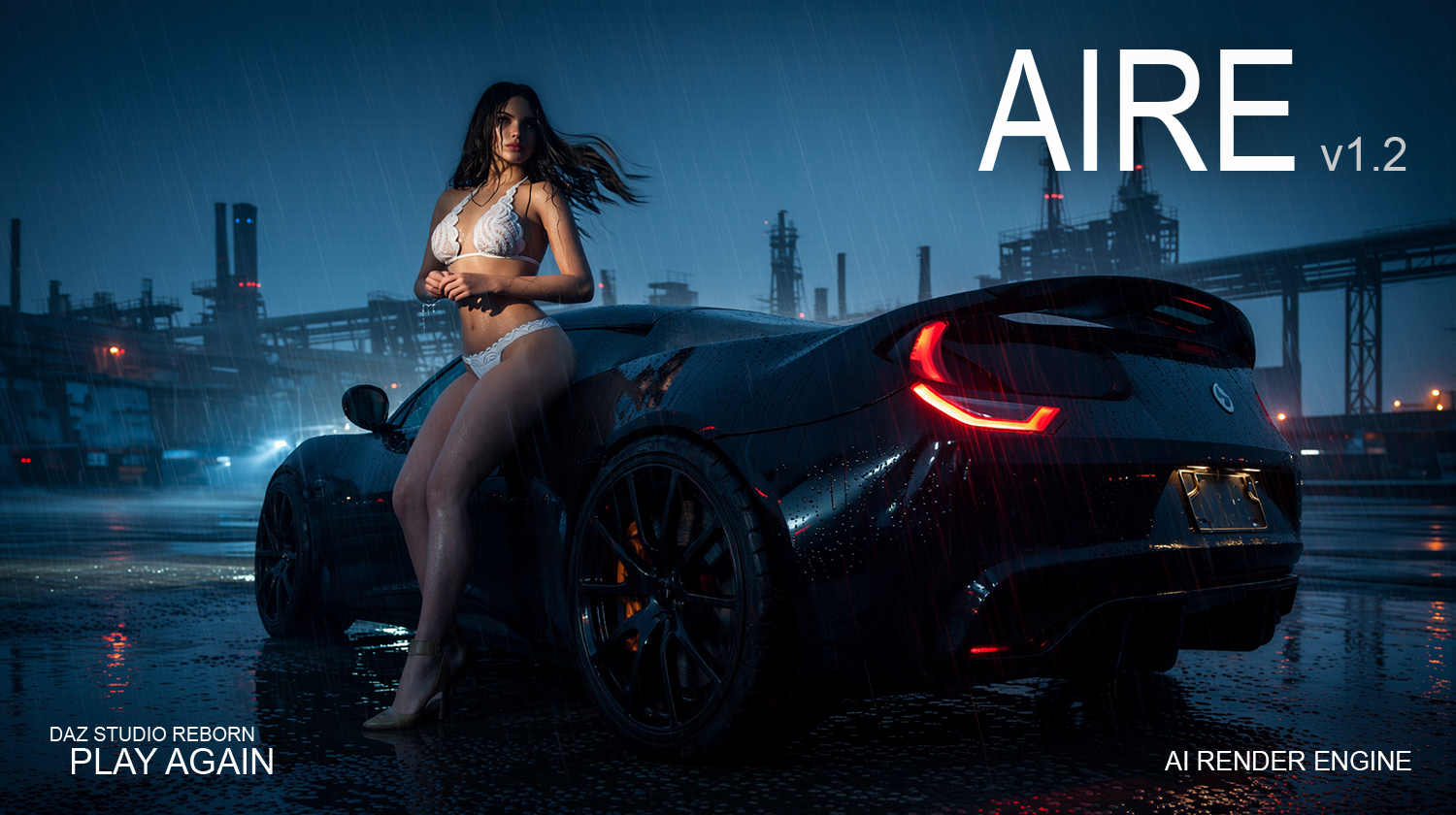

Turn DAZ Studio scenes or existing images into AI-enhanced artwork, then continue creating with fast post-render editing using simple text.
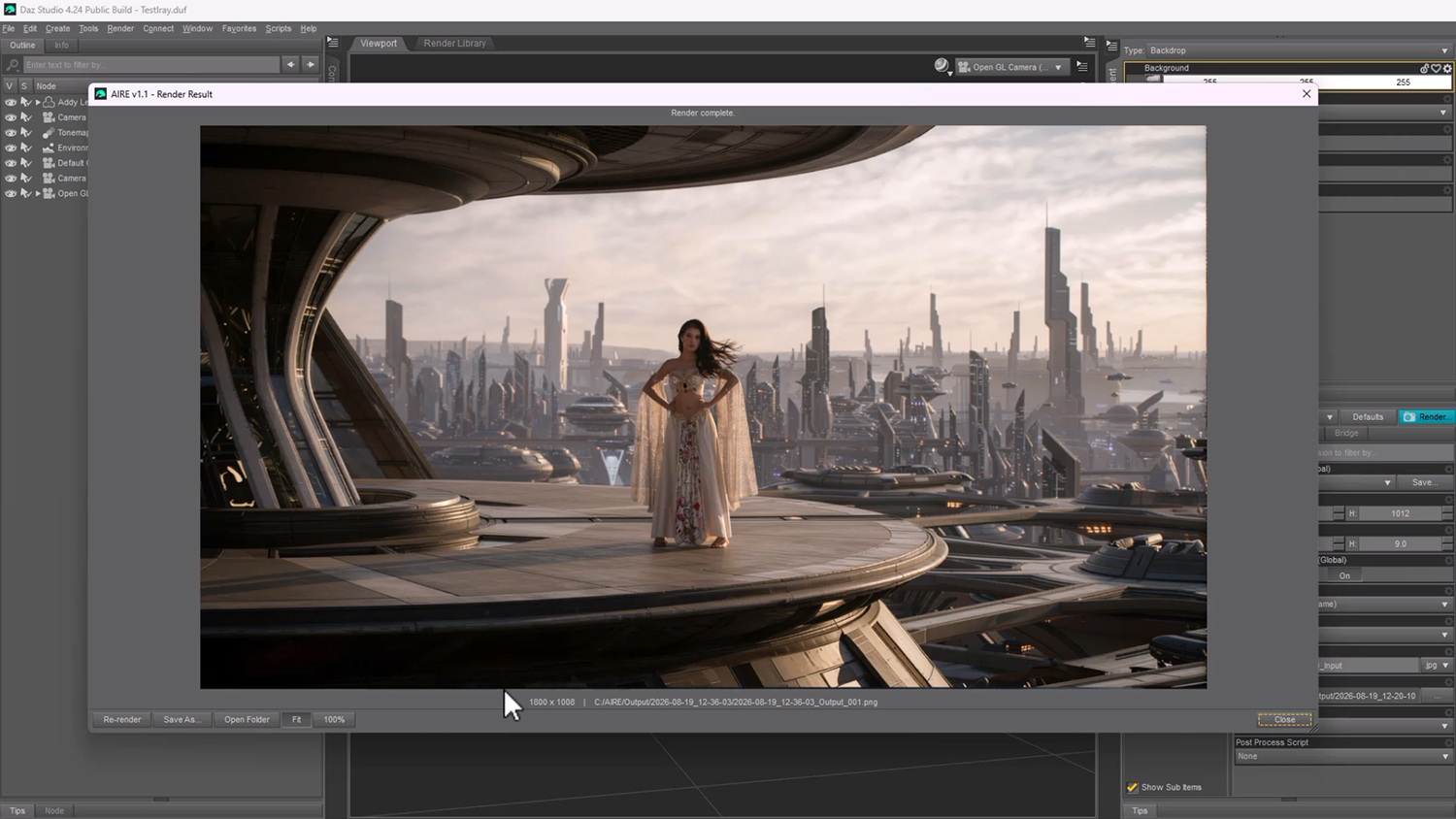
AIRE combines the scene-building control of DAZ Studio with a local ComfyUI workflow. Build, pose, light and frame your scene, click Render, then edit, browse and refine the completed image without leaving the AIRE workflow.
One purchase. Local rendering and editing. No paid credits. No subscription.
$56 For a Limited Time
AIRE v1.2.2 is 20% off the regular $70 price for a limited time.
AIRE v1.2.2 is a free update for all existing AIRE customers.
Direct-purchase bonus: 3 months of DAZ → AI Club access included ($30 value), with the existing tutorial library and new creative workflow training.

One-time software purchase. Please review the system requirements below before ordering.
More Iray control: five source-render modes, now including Extended (up to 150 seconds) and Maximum (up to 300 seconds).
Also new: Extension Strength from 0.10 to 1.10, improved DAZ Studio 6 result-window handling, and an optional tooltip switch.
Now you can animate your finished AIRE images! Choose Animate This Render... to pass the image directly to AIRE Motion, our newly released, standalone AI animation software for DAZ Studio.
AIRE Motion is optional, sold separately, and not included in AIRE v1.2.2. AIRE continues to render and edit normally without it.
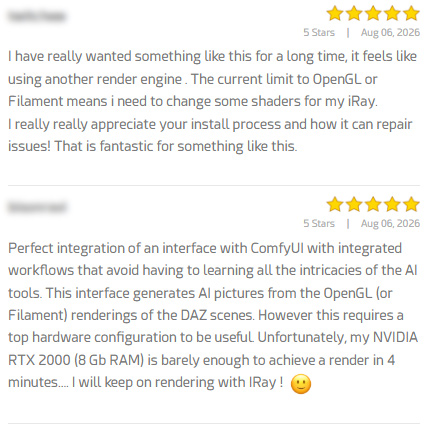
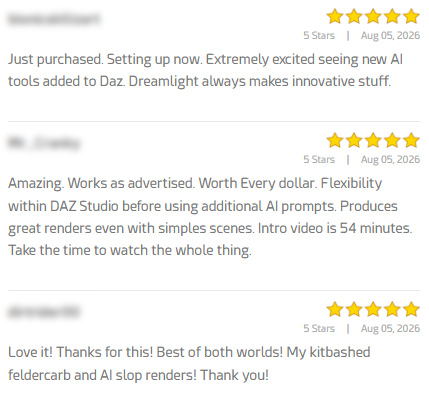
“AIRE is a game-changer… revolutionary in DAZ3D creation… I cannot recommend this highly enough… and frankly, AIRE is worth every single penny.”
— Damocles, AIRE customerMost AI workflows begin by asking you to leave your favorite 3D application. AIRE takes the opposite approach.
Instead of replacing DAZ Studio, AIRE empowers it.
You remain in control of your scene, characters, camera, composition, materials and lighting. AIRE becomes a creative partner for photoreal rendering, visual transformation and post-render editing.
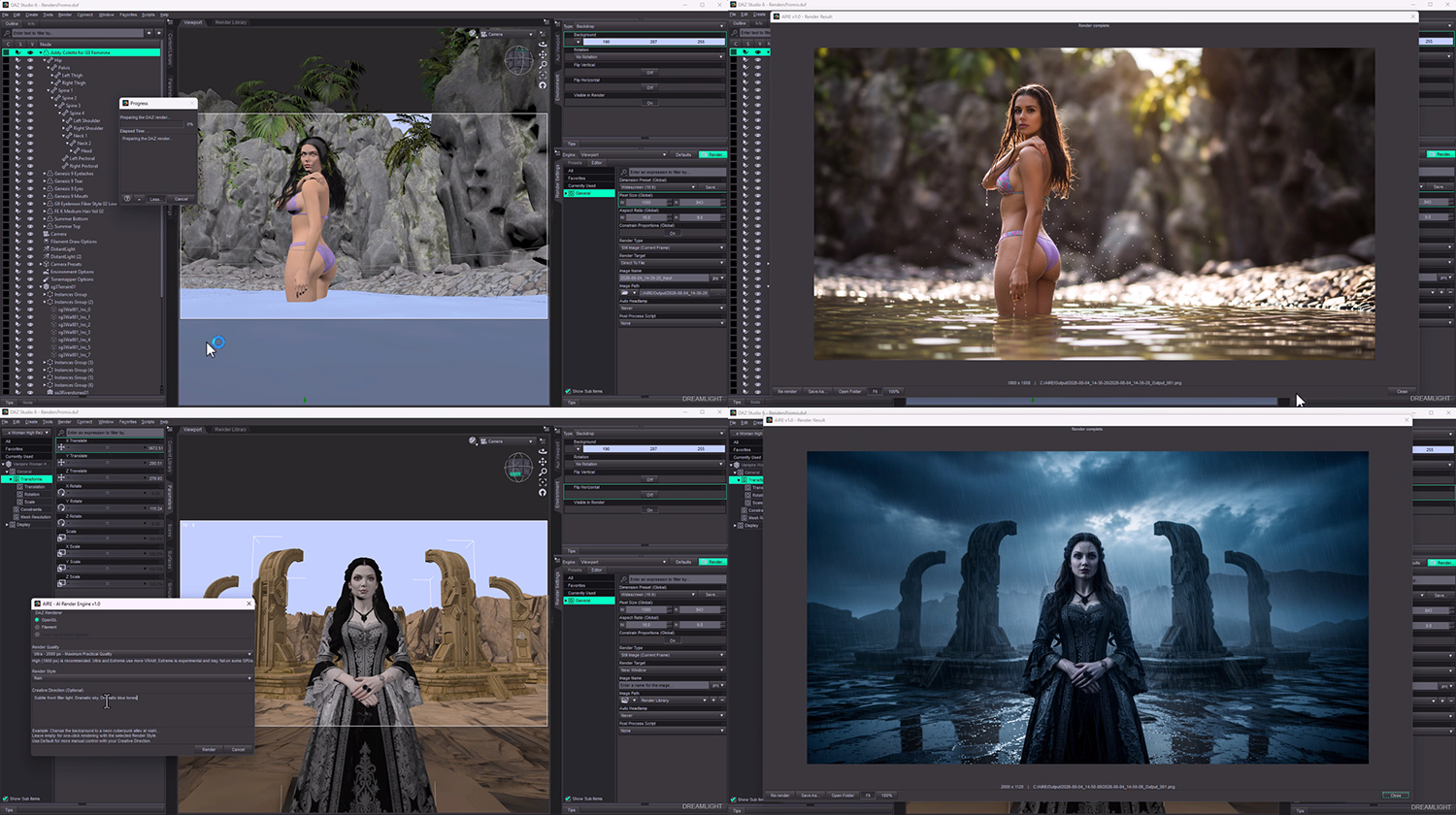
Use optional AIRE Extensions directly inside AIRE Edit and Quick Edit, with adjustable Extension strength.
Switch between stronger composition locking and more spatial freedom for camera or structural edits.
Improved ComfyUI validation, custom-drive and path handling, plus additional recovery improvements from real-world support cases.
Edit an existing PNG, JPG or JPEG directly using simple text, styles, guidance, seeds and optional visual references.
Make another change directly beneath the completed result without rerendering your DAZ Studio scene.
Browse the original source, renders and edits from the current session, complete with the direction and guidance behind each edit.
Return to the exact image behind an edit, restore its recipe, adjust the instruction and create a refined version.
The earlier unintended zoom-in is corrected, giving much more accurate DAZ-to-AIRE framing and subject placement.
Expanded validation, clearer diagnostics, reconnect handling, improved cancellation and better repair guidance.
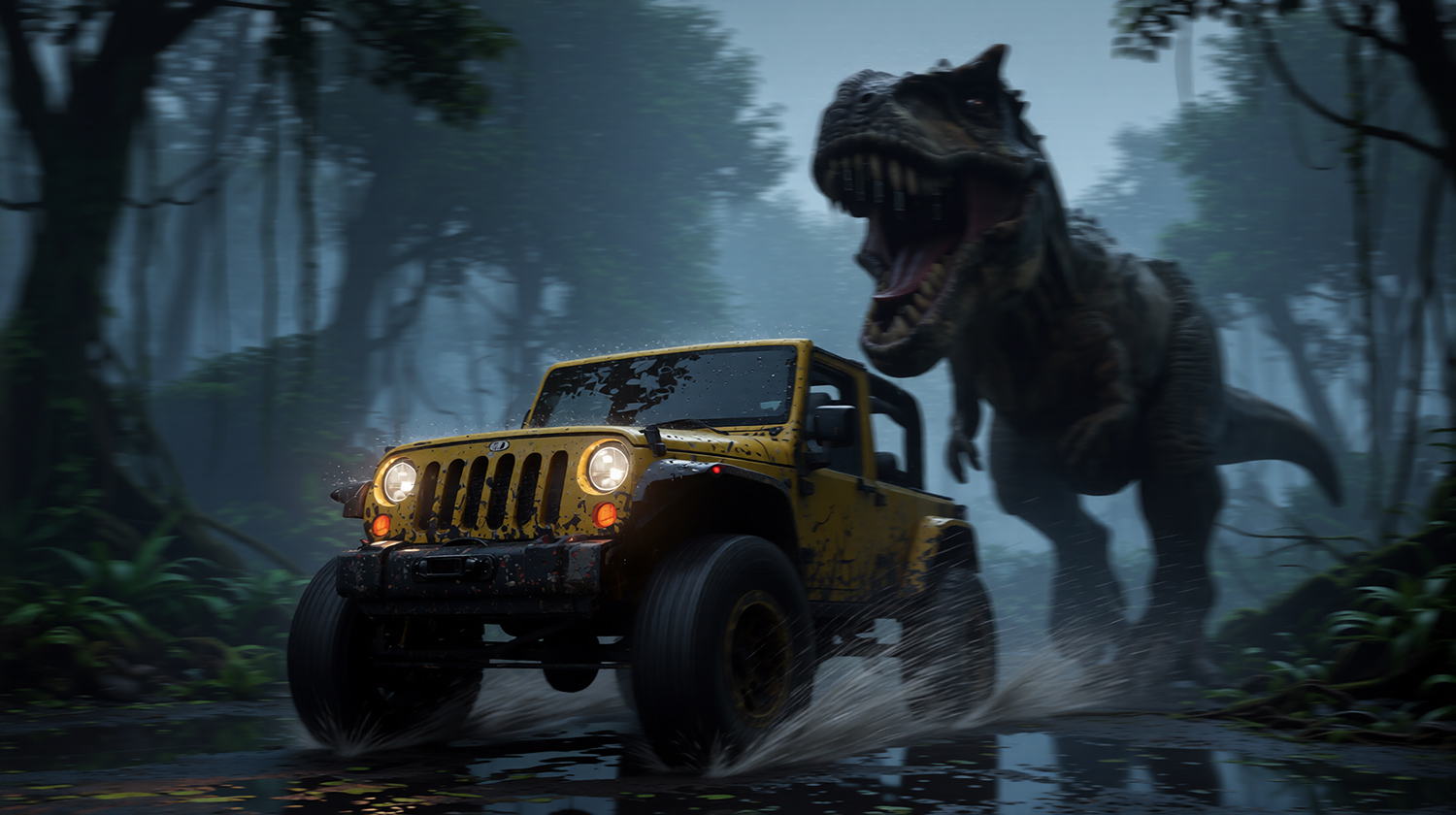
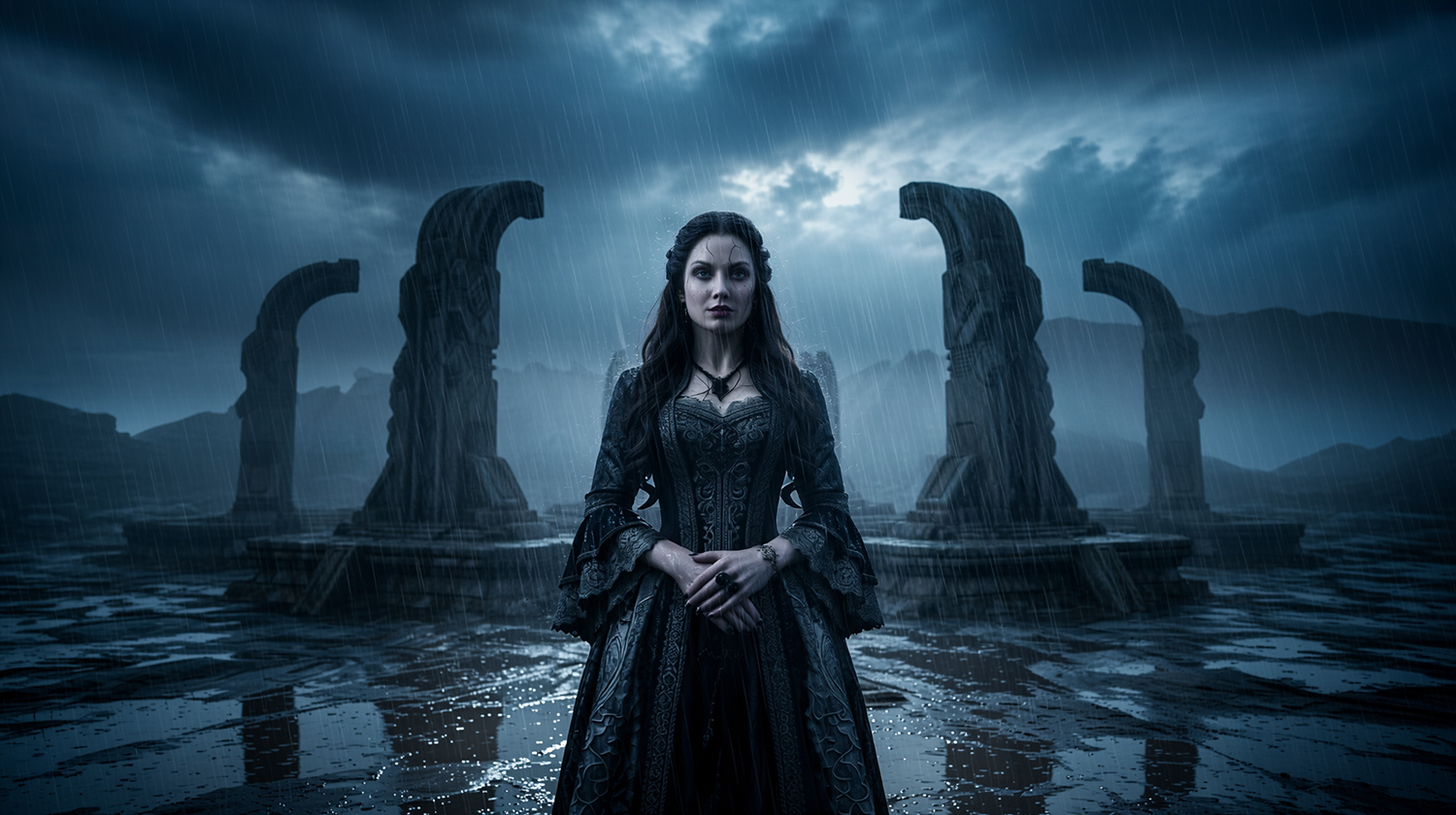
Build the shot in DAZ Studio, then render through OpenGL, Filament or Iray while preserving your composition and creative intent.
Transform an existing image with AIRE quality, style, photoreal, guidance, seed and direction controls.
Choose an existing image, describe what should change and create a new version without rendering a DAZ scene first.
Rendering is no longer the end of the process. The redesigned result window lets you:
Render. Edit. Browse. Re-edit.
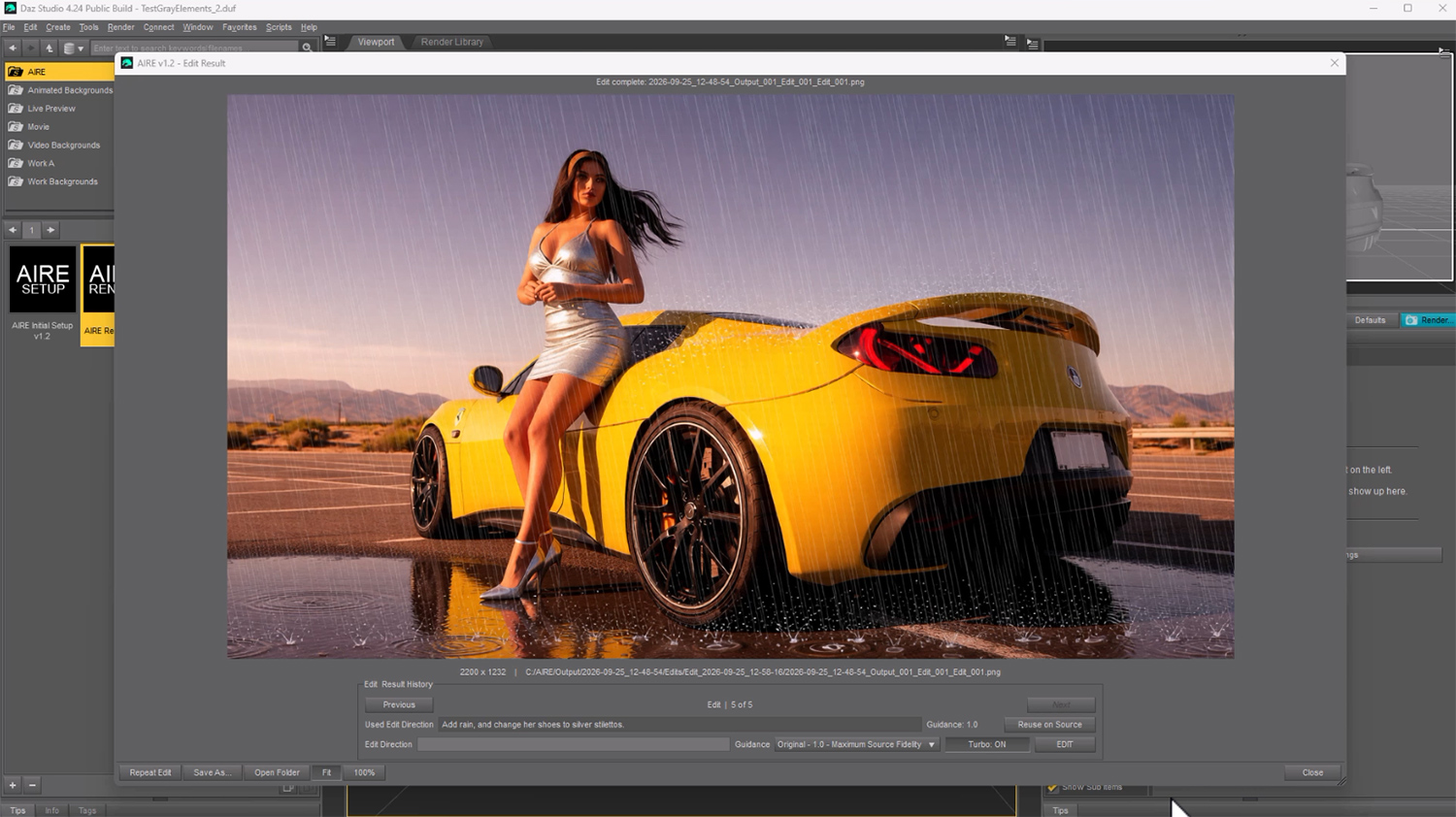
Change materials, colors, poses, objects, environments and visual details by describing what you want.
Example: Change the car paint to metallic silver and keep everything else unchanged.
AIRE Edit includes fast Turbo editing, higher-quality Standard editing, Guidance from 1.0 to 2.5, Render Styles, Random or Fixed Seed, Edit Direction, Avoid Direction and up to two optional reference images.
Reference images work best as precision tools for transferring materials, textures, patterns and colors while Image 1 remains the image being edited.
The fastest source capture and often the strongest photoreal transformation. Ideal for rapid experimentation and scene iteration.
Very fast, with improved material representation and a useful balance between transformation and source consistency.
The most complete DAZ source image, offering the greatest control over lighting, materials and the intended finished look.
Iray Turbo: 640 px, up to 10 seconds. Default: 1024 px, up to 30 seconds. Quality: 1536 px, up to 60 seconds. Extended: up to 150 seconds. Maximum: up to 300 seconds. Extended and Maximum use the selected AIRE output-quality resolution for their Iray source.
DAZ and AI processing times vary by GPU, resolution, quality, scene complexity and ComfyUI configuration.
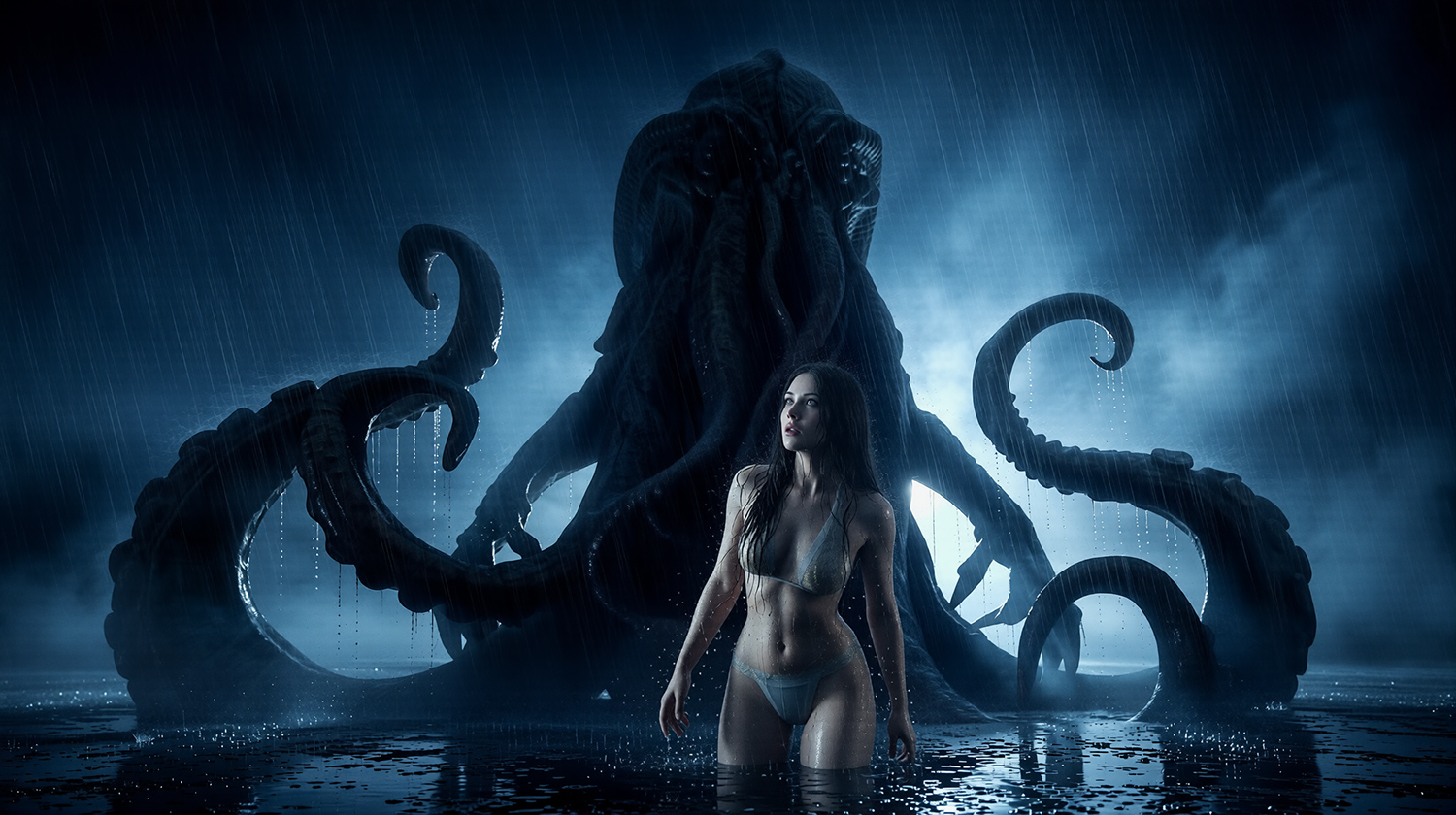
AIRE v1.2.2 also includes every major creative feature introduced in v1.1:
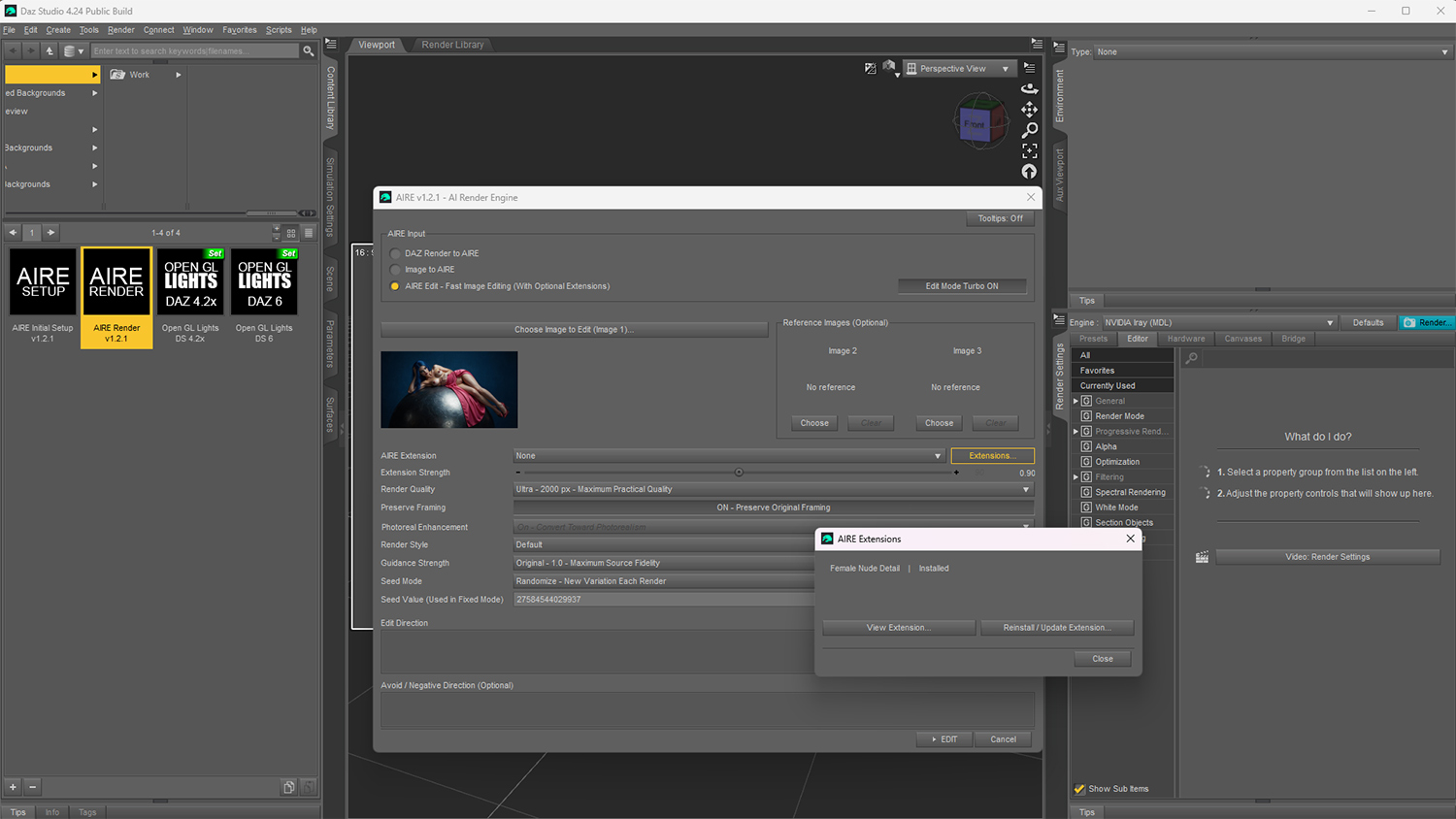
AIRE v1.2.1 introduces support for optional AIRE Extensions, specialized add-ons that expand AIRE Edit with additional local AI editing capabilities.
Installed Extensions can be selected directly inside AIRE Edit and Quick Edit, with adjustable Extension strength. AIRE continues to work normally without Extensions.
The first available Extension is AIRE Extensions - Female Nude Detail.
View AIRE Extensions on RenderHub
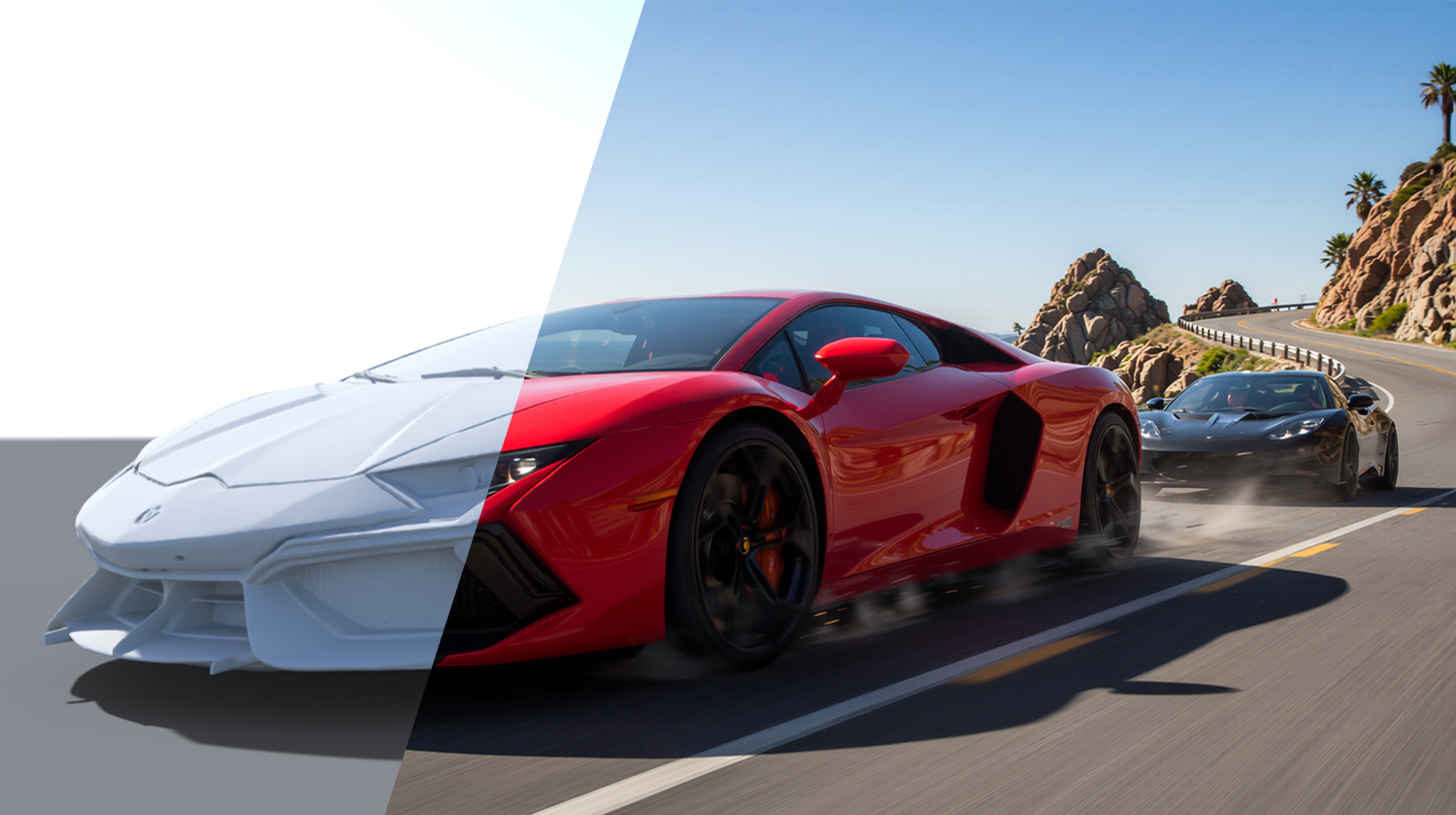
AIRE Elements are lightweight gray 3D proxy props designed for fast positioning, rotation, camera framing, lighting and shadow control inside DAZ Studio.
Place an Element, design the shot, render through AIRE, then refine the completed image using Quick Edit. The improved v1.2 camera-framing accuracy makes placement more predictable from the DAZ viewport to the final result.
AIRE Elements packs are optional products sold separately. AIRE does not require them, and you can continue using your existing DAZ assets as before.
Normal rendering and editing are local. After the required components have been installed, AIRE does not use a commercial cloud-generation service.
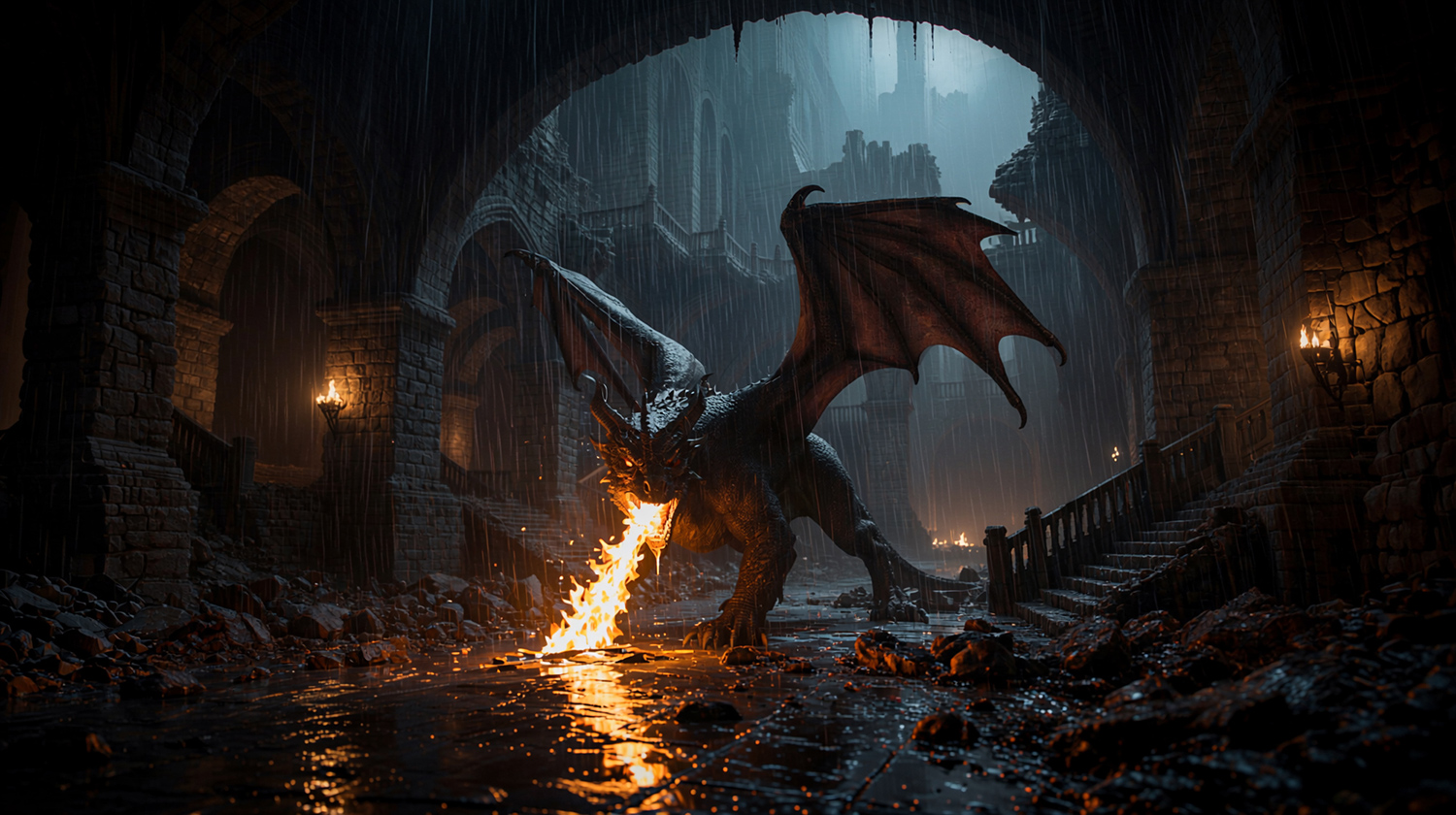
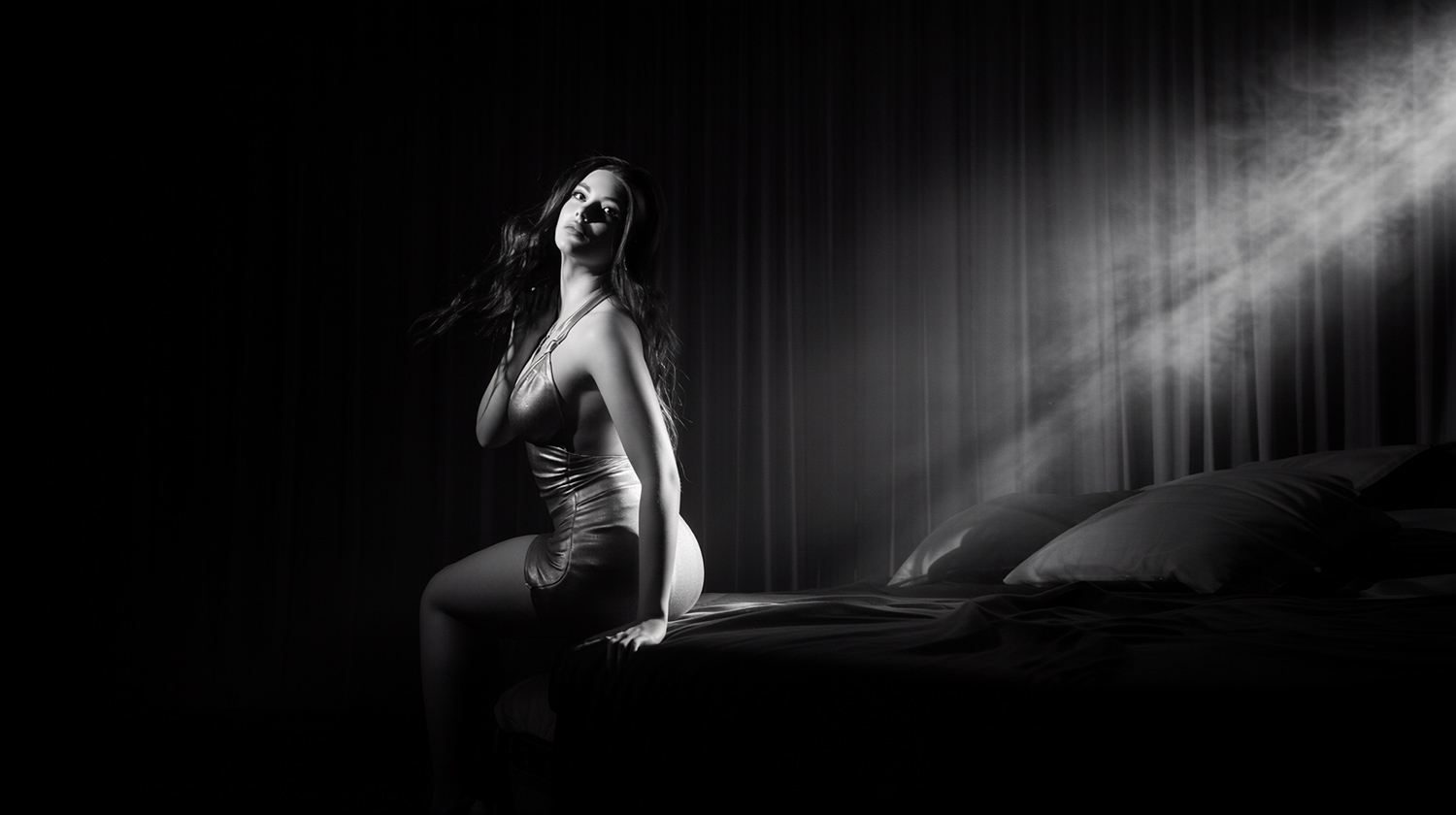
Portraits, fantasy, science fiction, fashion, film noir, anime, architecture, environments, cinematic scenes, photo composites, stylized artwork and artistic figure studies. AIRE is genre-independent; your scene and creative direction define the result.
Not currently supported: AMD-only graphics, integrated graphics, CPU-only rendering and pre-RTX NVIDIA cards. AIRE's Windows release depends on the NVIDIA/CUDA ComfyUI workflow used by the product.
AIRE v1.2.1 detects the ComfyUI server that is actually running, identifies its active model paths and validates the complete six-component AI set directly inside that server.
Setup supports standard Desktop, updated Desktop, Portable, custom-drive and multiple-installation configurations. Matching files are reused whenever possible rather than downloading another complete copy.
Setup reports success only when the running ComfyUI server confirms that all six required components are ready.
AIRE is paid downloadable Windows software for DAZ Studio. It installs a local bridge and setup utility under the AIRE folder, connects to a local ComfyUI server during normal use and downloads the disclosed AI components during Initial Setup when they are not already available.
DAZ Studio, ComfyUI and NVIDIA drivers are not included. The Windows executables are currently unsigned, so Windows or third-party antivirus software may display an unfamiliar-app warning. Download AIRE only from Dreamlight or an authorized store.
Purchase and use are subject to the included AIRE License Agreement and our Terms. For compatibility questions before ordering, please contact the Support Desk.
AIRE v1.2.2 — $56
20% off the regular $70 price for a limited time.
Direct purchase includes 3 months of DAZ → AI Club access.
Stay in DAZ Studio. Render & Edit with AI.
I created AIRE because I wanted AI to support my creativity, not replace it. I still love building scenes, posing characters, choosing cameras, shaping lighting and composing images inside DAZ Studio.
With AIRE v1.2.2, finished renders can become the beginning of a fast editing and exploration process, with optional Extensions, improved Iray choices, and a direct handoff to the separately available AIRE Motion.
I hope AIRE gives your existing 3D assets new life and helps you enjoy DAZ Studio even more.
Happy rendering,
Val Cameron
Founder, Dreamlight
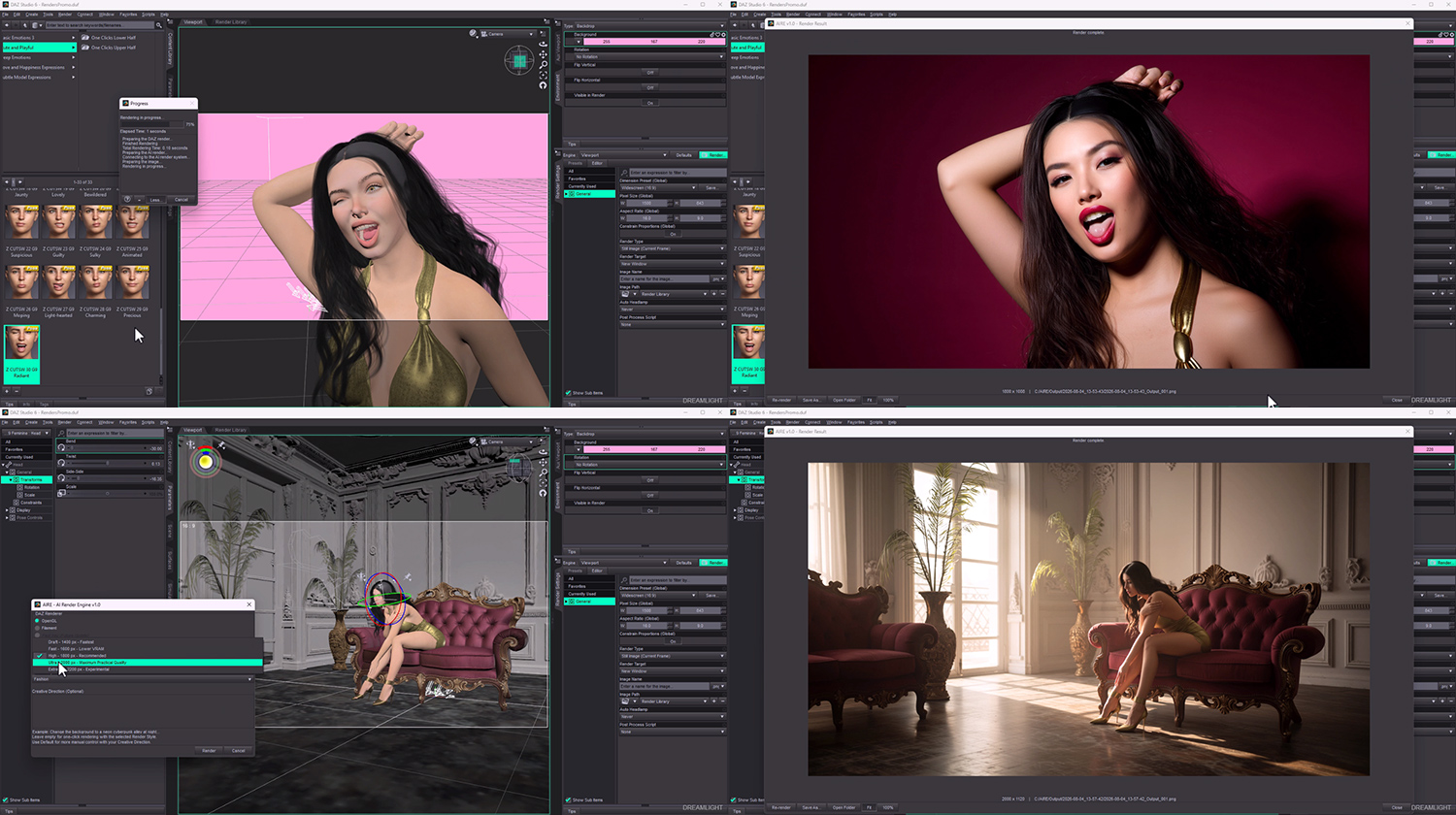
Five Iray source-render modes, expanded Extension Strength, improved DAZ Studio 6 result-window handling, tooltip controls, and optional AIRE Motion integration.
No. AIRE Motion is an optional standalone product sold separately. AIRE v1.2.2 can open Motion or send a completed AIRE image directly to it when installed. See AIRE Motion on RenderHub.
AIRE v1.2.1 adds support for optional AIRE Extensions, the new Preserve Framing control and additional setup, compatibility and recovery improvements.
AIRE Extensions are optional add-ons that provide specialized editing capabilities inside AIRE Edit. Extensions are purchased separately and can be selected directly from AIRE Edit or Quick Edit after installation.
AIRE v1.2 adds direct image editing, Quick Edit inside the result window, session history, visible edit recipes, Reuse on Source, Turbo and Standard editing, optional reference images, extended Guidance, improved camera framing and broader reliability improvements.
Yes. AIRE v1.2.2 is a free update for all existing AIRE customers.
Yes. Quick Edit changes the image currently displayed in the result window. It does not rerender the DAZ Studio scene.
Yes. Image to AIRE transforms PNG, JPG and JPEG images. AIRE Edit changes an existing image using text, edit controls and optional references.
They are optional visual references in AIRE Edit. They work best for guiding materials, textures, patterns and colors while Image 1 remains the image being edited.
No. AIRE Elements are optional add-on packs sold separately. AIRE works with your existing DAZ assets and does not require Elements.
Yes. Choose Iray Turbo, Default, Quality, Extended or Maximum directly inside the AIRE interface.
No. The customer package contains standalone compiled helper applications. Keep every file inside each Bridge subfolder together.
AIRE contains locally running unsigned helper applications that connect DAZ Studio with ComfyUI. Some security products may inspect unfamiliar new software as a precaution. Keep security enabled, preserve the exact detection information and contact us if assistance is needed.
The complete six-component AIRE v1.2.1 set is approximately 32 GB. Additional temporary space may be required. AIRE first searches for matching existing component files that can be reused.
Internet access is needed when Initial Setup must download missing components. Normal rendering and editing are performed locally through your own ComfyUI installation. AIRE v1.2.2 does not use paid tokens or require a subscription.
This update brings several important fixes and improvements:
AIRE Motion Detection: Automatically locates AIRE Motion across registered DAZ Studio content libraries, including custom installations.
Iray Quality Modes 4 & 5: Fixed black or invalid source renders. Improved quality settings and optimized render resolutions.
Iray Sun Node: Added preservation and restoration safeguards for Iray environment settings.
Guidance Strength: Improved help text explaining the balance between source fidelity and creative direction, including potential artifacts at higher values.
What's New: Updated announcements highlighting AIRE Motion, Extensions, and recent improvements.
Thank you for creating with AIRE!
AIRE 1.2.1 Maintenance Build 1.2.1.1
• Improved AIRE Extensions installation and validation.
• Improved Extension reinstall/update handling when the Extension model is already present.
• Added stronger Extension integrity verification.
• Improved Extension package compatibility and error handling.
• No changes to standard AIRE rendering behavior.
AIRE v1.0 launched August 4, 2026.
Val Cameron, founder, Dreamlight
Val is a digital art veteran with more than 20 years of experience behind the camera and in 3D art education. Since 2005, he has helped thousands of artists build confidence, improve their work and develop their own creative voice.
AIRE is developed by CreoVision AB and marketed under the Dreamlight brand.